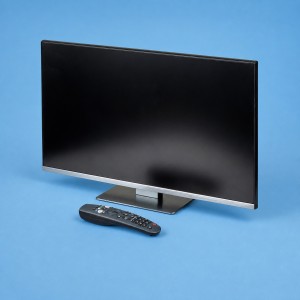
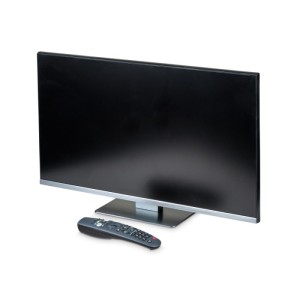
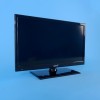
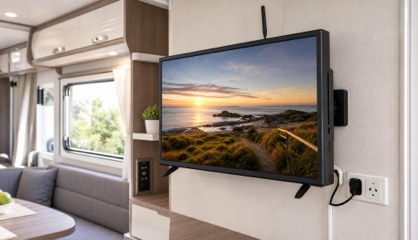
Before choosing a 12V caravan TV, measure the cabinet or wall space and check how it will be powered. A TV that suits the van needs the right voltage input, screen size, bracket pattern and reception setup, not just the biggest screen that fits the price.
Check the power input first
Start with 12V TVs, DVDs and tuners if you want a TV that can run from caravan battery power as well as mains power. Check the voltage input, watts, supplied lead and whether the TV is listed as 12V/240V. A household TV with an adaptor is not always the best choice for a caravan that moves, vibrates and may run from limited battery capacity.
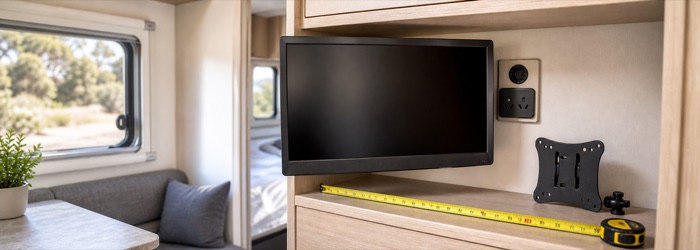
Measure the screen space and bracket
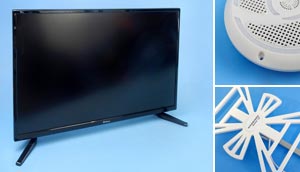
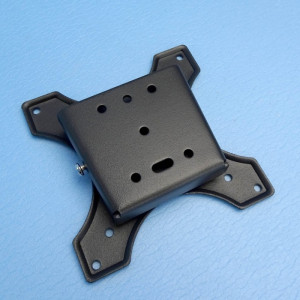
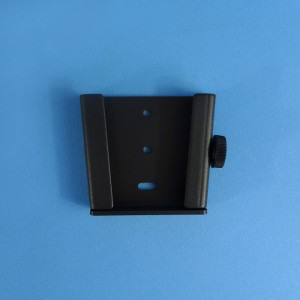
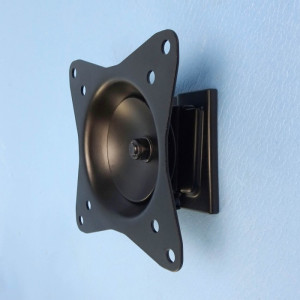
Measure the cabinet opening or wall position before choosing 24 inch or 32 inch. Also check the TV weight, VESA mounting pattern and whether the bracket can lock or be secured for travel. Use TV wall brackets after checking the mounting pattern on the TV, not before.
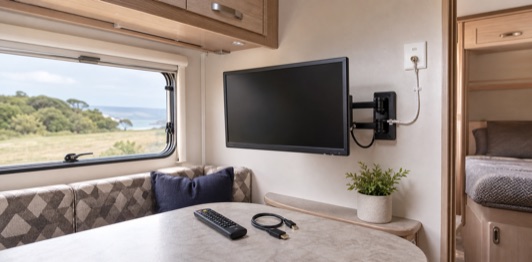
Choose smart, DVD or simple viewing
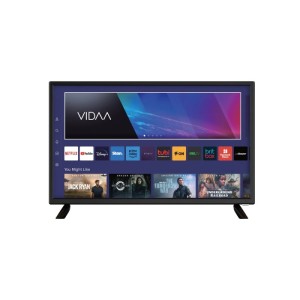
Smart TVs suit streaming, casting and app use where Wi-Fi or phone hotspot coverage is available. DVD models are still useful for offline viewing when internet is unreliable. Use the 12V TV comparison to compare screen size, resolution, DVD, USB playback, inputs, weight, VESA pattern and operating system.
Reception problems may not be the TV
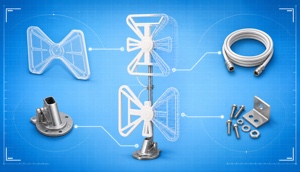
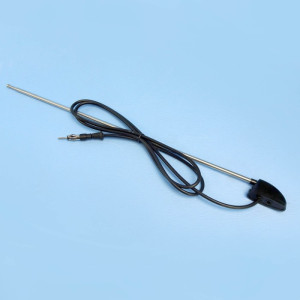
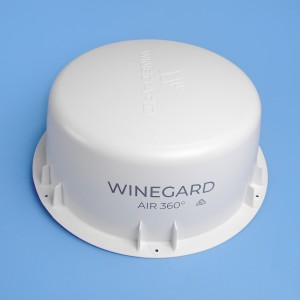
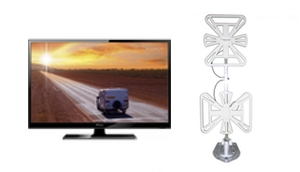
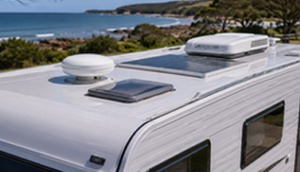
If the TV turns on but channels are missing, pixelated or unreliable, check the antenna, amplifier, cable, wall plate and location before replacing the screen. The TV reception guide is the right first stop for signal problems, and the omnidirectional antenna guide helps when you are comparing modern caravan antennas.
Keep the whole setup matched
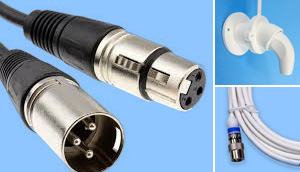
A good caravan TV setup is the TV, bracket, antenna and cabling working together. Use TV and radio antennas, TV and audio cables and the TV antenna diagrams if you are repairing the signal path rather than buying a new screen.